
SAP + n8n / CONNECTOR
Connect your SAP systems
to n8n
The n8n SAP Connector developed by NeKu AI combines an open-source n8n node with a secure service running on SAP, enabling you to read, write and automate SAP data.
Request a demo ↗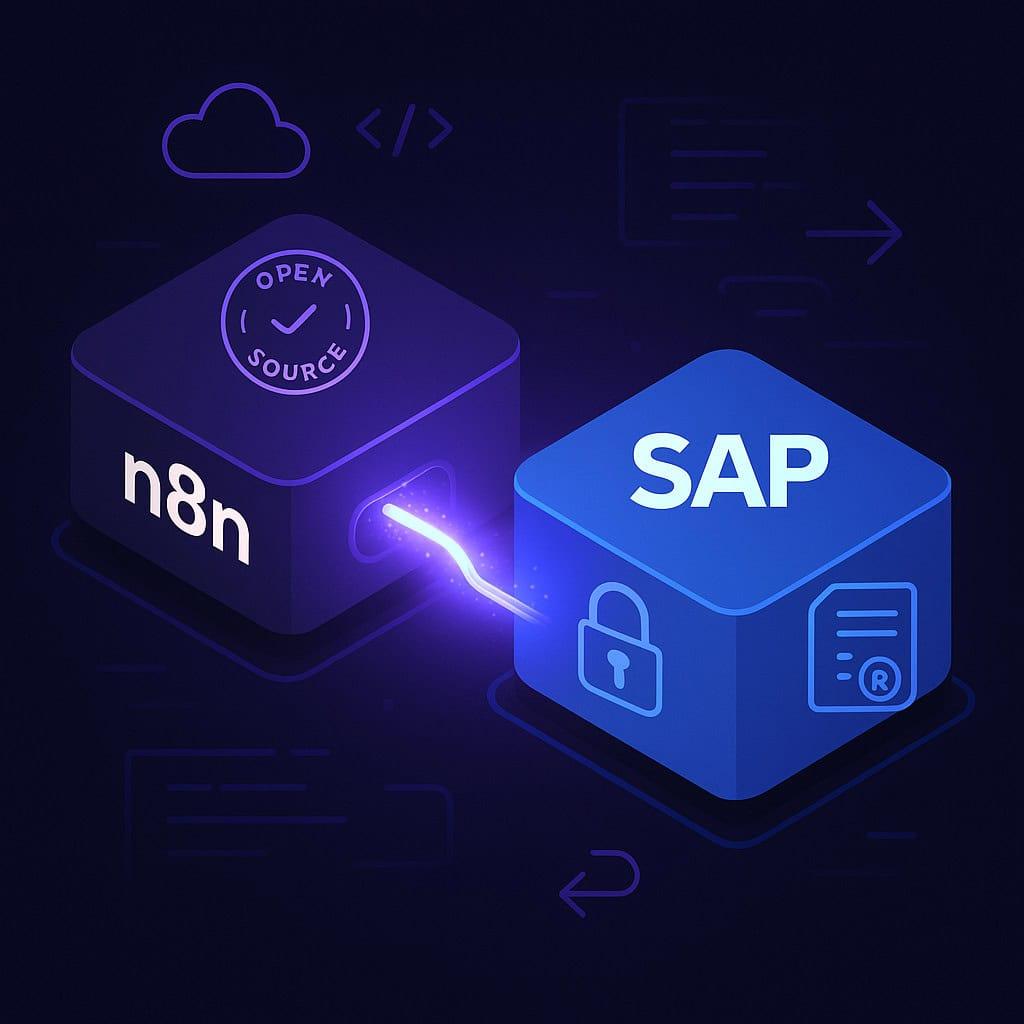
01 / INSTALLATION AND LICENSING
What is required before installation?
The n8n SAP Connector has two components: an MIT-licensed n8n node and a commercial connector module installed in SAP. Installing the node alone does not create a working SAP connection; the SAP module, service access and user permissions must also be configured.
Check community-node installation requirements for your n8n environment. The n8n plan, SAP module, installation, maintenance and any AI model usage are separate costs. An open-source node does not make the complete solution free.
- Open-source component
- n8n-nodes-sap · MIT
- SAP side
- Commercial connector module
- First pilot
- One task, test data and bounded access
02 / TWO COMPONENTS
Open ecosystem, enterprise security
Open-source n8n node
A free, MIT-licensed integration component installed directly into n8n.
SAP server module
A commercially licensed, secure service installed in SAP and aligned with role-based access.
03 / CORE FEATURES
Open SAP data to modern automations
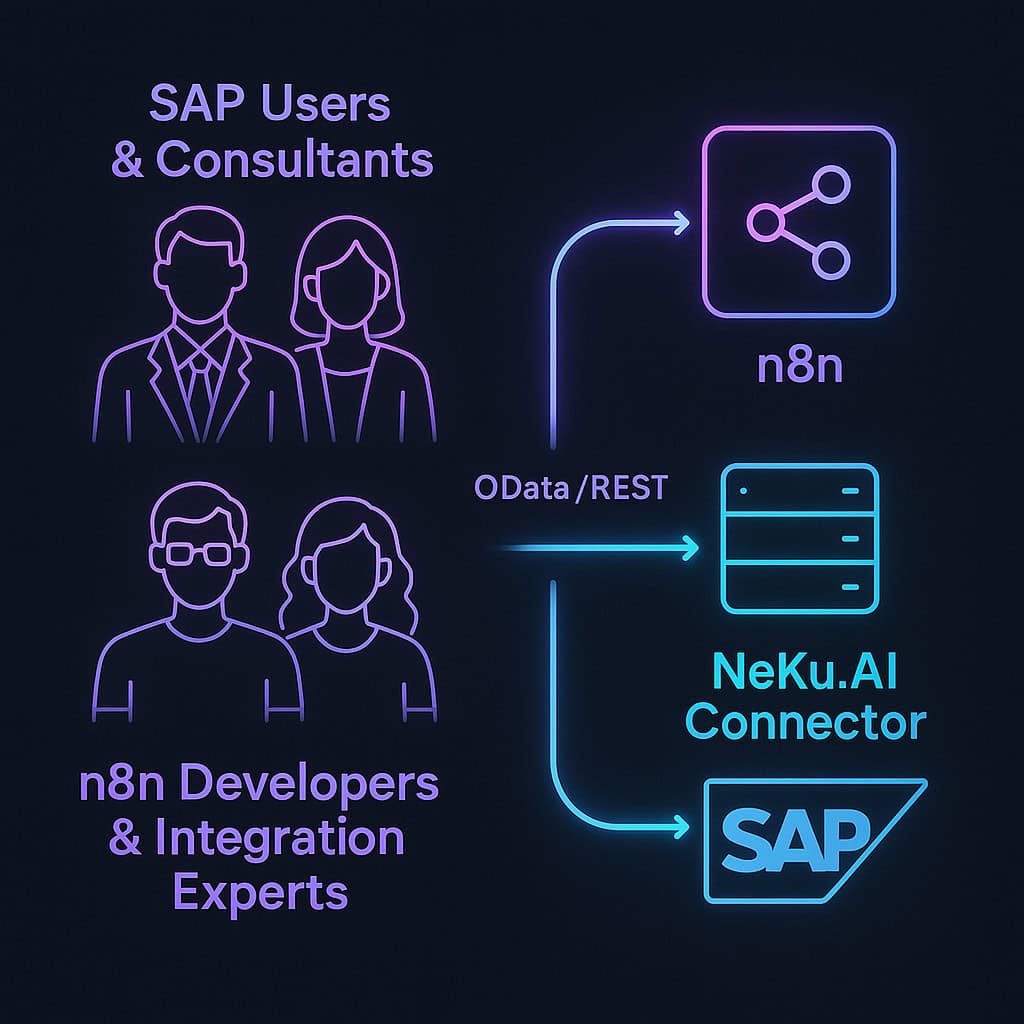
Two-way data flow
Read data from SAP or write data back through n8n.
Automated SAP processes
Trigger SAP transactions automatically in response to events.
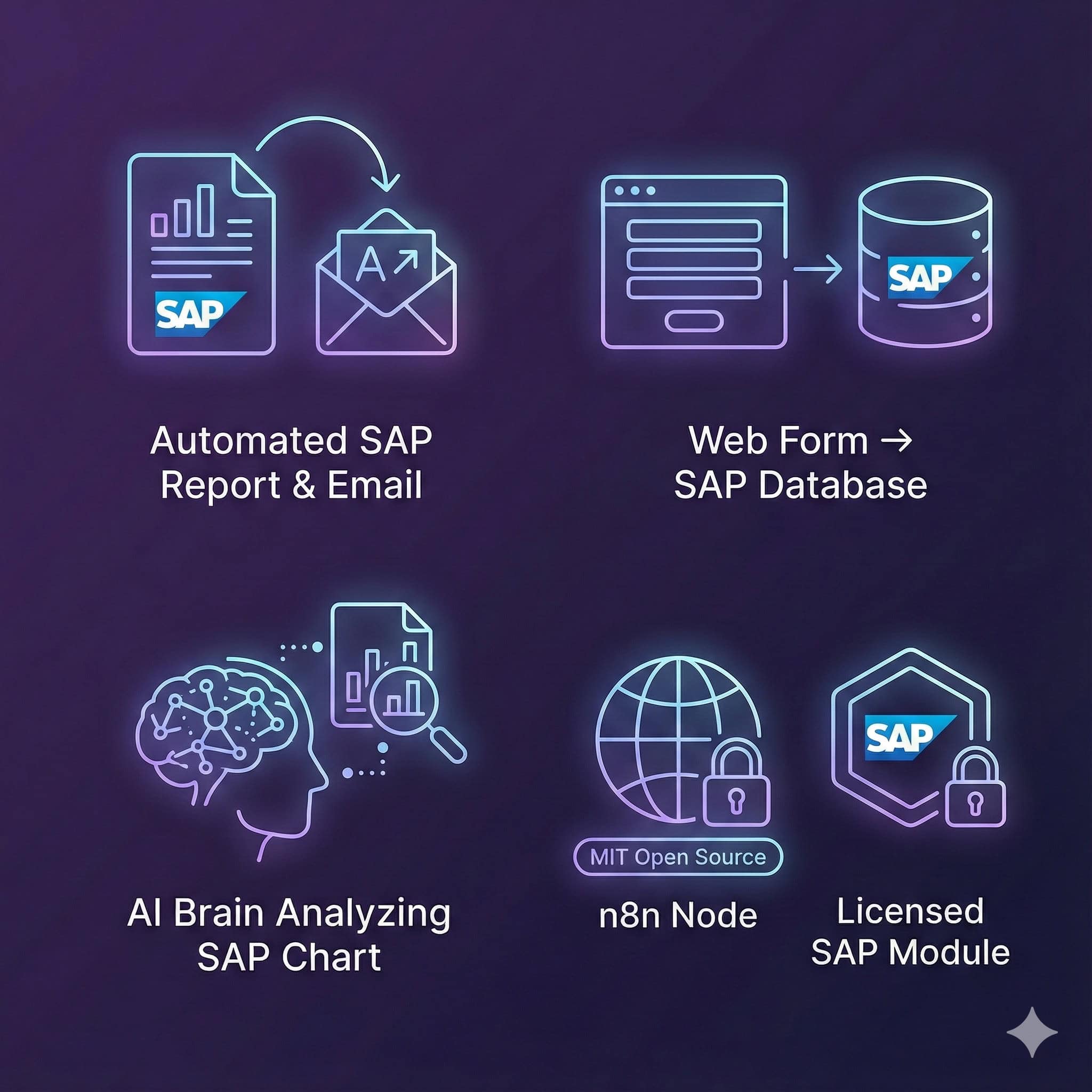
Broad compatibility
Work with S/4HANA, ECC and other SAP systems using OData.
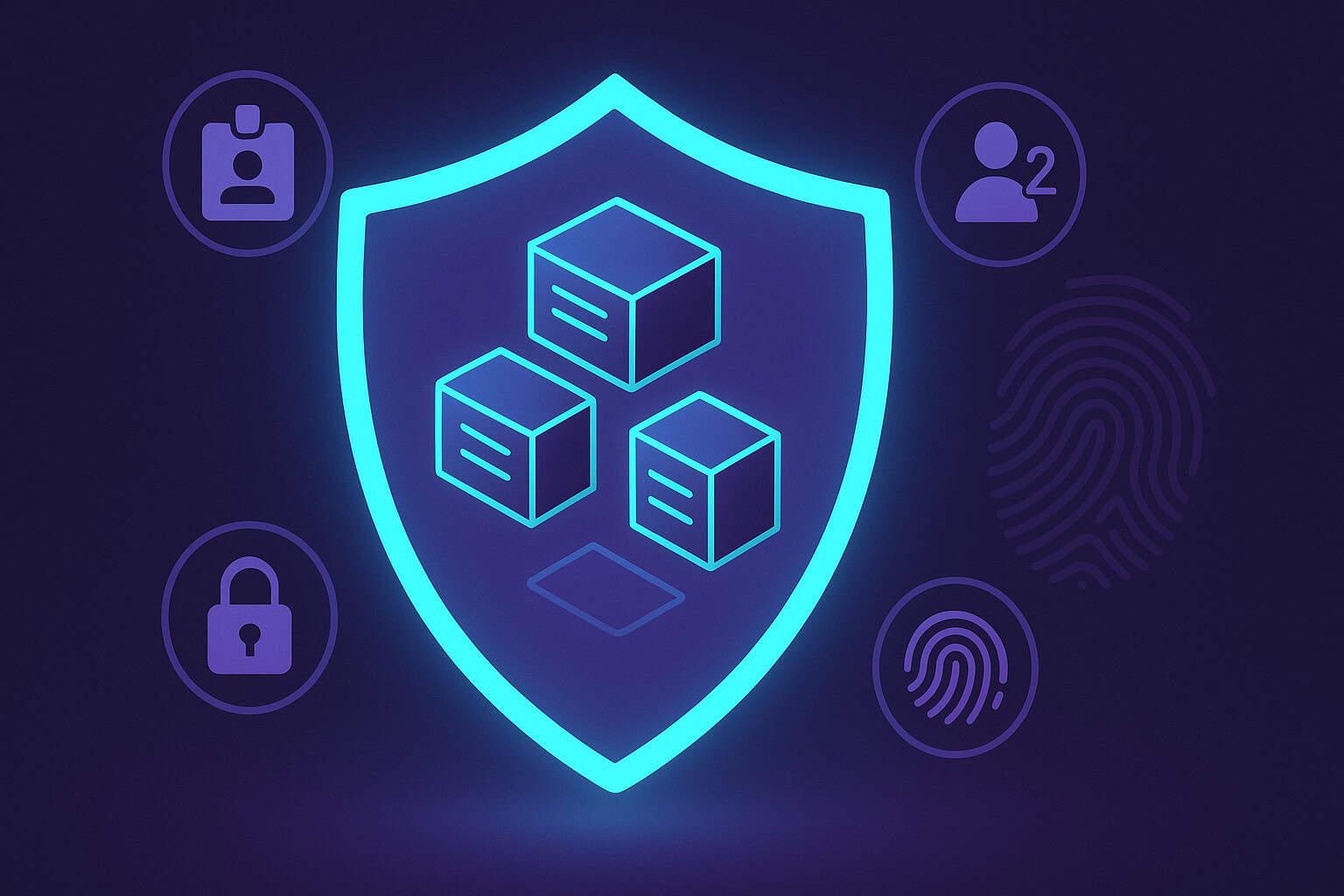
Secure connectivity
Preserve authorization aligned with SAP's role-based access model.
04 / HOW IT WORKS
A working connection in four steps
Install the named package
In n8n, open Settings → Community Nodes → Install and choose n8n-nodes-sap. Check that your n8n environment permits community-node installation before proceeding.
Prepare the SAP module and service access
The NeKu AI connector module must be installed in SAP with access configured for ZNEKUAI_WRAPPER_SRV. Installing the n8n node does not satisfy this SAP prerequisite.
Configure credentials
Create SAP Basic Authentication NeKu.AI API credentials using Base URL, SAP Client, Username and Password. Grant the SAP user only the permissions required by the pilot.
Validate one permitted report
Select Execute Report in the SAP Connector Neku.AI node. Test an approved Report Name, Report Payload and NeKu AI User; review the returned fields and failure path with the SAP owner.
05 / EXAMPLE PILOT
From one report to a controlled workflow
This is a representative flow for scoping a demo, not a deployed customer workflow or a measured result.
Input: bounded test data
Select one report approved for reading by the SAP owner, its payload fields and the expected result. Use sanitized test data rather than real customer or financial records.
SAP: a permitted report call
Execute Report calls the wrapper service. Service access, the SAP user and report permissions are checked for the same task; a connection test does not prove access to every report.
n8n: separate results from failures
Keep only the fields needed from the response. Handle permission denial, SAP service failure and repeat execution as separate branches; do not treat a failed response as a successful business result.
Output: an acceptance decision
Choose the next automation step once the expected report result, user boundary and failure behavior are validated together. Email, CRM and write actions require their own scope and approval.
06 / USE CASES
Turn daily SAP work into workflows
Generate SAP reports automatically and send them by email
↗Write web form orders directly into SAP
↗Analyze SAP data with AI and generate summaries
↗07 / EVALUATION QUESTIONS
Licensing and pilot questions
01Is the entire n8n SAP Connector solution free?+
The n8n-nodes-sap node is MIT-licensed. The connector module installed in SAP requires a commercial licence. The n8n runtime, installation, maintenance and any model usage are assessed separately.
02Does installing the node remove the need for SAP-side setup?+
No. The NeKu AI SAP connector module and corresponding service access are prerequisites. Verify user permissions, network access and the target business task in the actual environment.
03Is this a generic node that automatically discovers every SAP OData service?+
This node works through the NeKu AI SAP connector module. Do not assume compatibility with every SAP OData service or SAP version; verify the required task and connection in the actual environment.
04What should we verify during a demo?+
Test one permitted task, rejected unauthorized access, SAP service errors and duplicate-operation behaviour on retries. Establish business approval and recovery ownership separately for write operations.
05Is the n8n SAP partnership the same product as this community node?+
No. The managed environment inside Joule Studio announced by n8n is a separate product and deployment path. This community node runs in an independent n8n environment with the NeKu AI SAP module; verify access and licensing separately.
08 / AI LAYER
Extend n8n automation with SAP AI
Step-by-step n8n SAP installation guide
Package installation, credential fields, the first Execute Report call and failure checks.
↗ 02Connector source video
Watch the real introduction linked by the open-source repository; validate suitability for your own SAP scope separately.
↗ 03SAP AI
Explore agents that interpret SAP data and use permission-controlled tools.
↗ 04Ready-to-Run SAP AI Workflows
Discover ready workflows for analysis, documentation, consulting and action.
↗ 05SAP MCP Server
Learn about controlled SAP connectivity for AI tools.
↗ 06Installation source and open-source node
Check the current node scope and prerequisites in the GitHub repository.
↗ 07Demo evaluation checklist
Use one checklist for installation, licensing, permissions and failure scenarios.
↗ 08n8n, Integration Suite and MCP decision guide
Compare workflow, integration-platform and AI tool-layer responsibilities in the NeKuDos guide.
↗